
Multiple Criteria XLOOKUP
Learn how to use XLOOKUP with multiple criteria in Excel. In our example, we will show how you can use the XLOOKUP Function with multiple criteria. The functionality […]
Multiple Criteria XLOOKUP Read More »
Formulas are expressions that utilize defined values and provide a calculation. Formulas provide computational power for your spreadsheets.
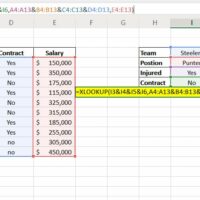
Learn how to use XLOOKUP with multiple criteria in Excel. In our example, we will show how you can use the XLOOKUP Function with multiple criteria. The functionality […]
Multiple Criteria XLOOKUP Read More »
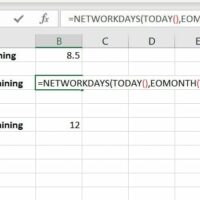
Quickly learn how to calculate shipping days left in a month using a simple formula in Excel. Does your job require you ship packages or customer freight? Chances
Calculate Shipping Days Left in a Month Read More »
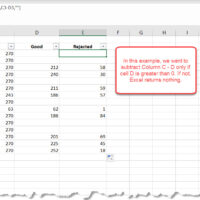
Learn how to subtract if greater than zero. In this example, we will demonstrate how to subtract a value only if a cell is greater than zero. Let’s
Subtract If Greater than Zero Read More »
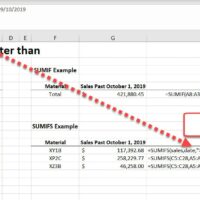
Sum if date is greater than a specified date. In this example, we will use the following formula to sum a range if the date is past our
Sum if date is greater than Read More »
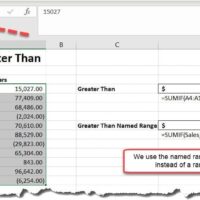
To sum if greater than, we need to use the SUMIF Function and define our criteria. In this example, we will use the SUMIF Function to sum all
Sum if greater than Read More »