
Excel made easy
Database of Excel tips and tutorials.





Latest Excel Tips and Tutorials

Excel vs Power BI: Choosing the Right Analytics Tool for Your Business
Excel Vs Power BI In the world of data analysis and business intelligence, two titans have long reigned supreme – Microsoft Excel and Power BI. Both tools offer […]
Continue reading
Create a Pareto Chart in Excel
Learn how to create a Pareto Chart in Excel. Step 1: Data Preparation Step 2: Calculate Cumulative Percentages Step 3: Create a Pareto Chart Step 4: Customize the […]
Continue reading
Results Exceed Cell Width
In Microsoft Excel, when a result exceeds the width of a cell, it is often displayed using a series of pound signs (#####) instead of showing the actual […]
Continue reading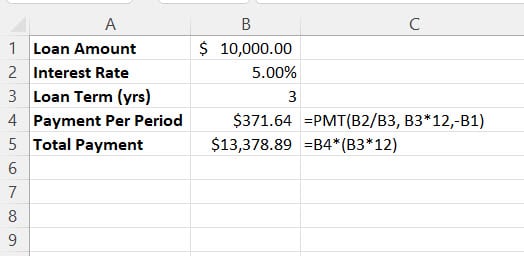
Calculating the Principal and Interest on a Loan
Calculating the principal and interest on a loan in Excel involves using a few simple formulas. Here’s a step-by-step tutorial:
Continue reading
New Excel Features in 2023
Microsoft Excel has been a mainstay of data analysis for decades, and it continues to evolve with each passing year. In 2023, Microsoft has introduced a range of […]
Continue reading
Learn about XLOOKUP
Learn how to use the XLOOKUP function in Excel. See for yourself why this new function makes Excel that much easier.
- XLOOKUP with Multiple Criteria
Perform an XLOOKUP with multiple Criteria using concatenate features in Excel - XLOOKUP Horizontal Lookup
With XLOOKUP, you no longer have to use the very limited HLOOKUP function. - XLOOKUP Function in Excel
XLOOKUP replaces VLOOKUP AND HLOOKUP permanently! - Fix XLOOKUP #SPILL Error
Learn to easily fix an XLOOKUP #SPILL Error in Excel.
camera tool ceiling criteria date DAYS dynamic effect end_date exact format_text holidays index indirect ltv mass delete match minute months multiple named ranges number num_digits pmi pmt range range_lookup return_type rounding search_key second separate serial_number significance start_date Subtract if sumif sum_range table text tips value weekend xlookup year _xlfn